Founder of Curvine
View all authors

Curvine Architecture Deep Dive: System Design, Containers, and Data Flow

· 7 min read
Founder of Curvine

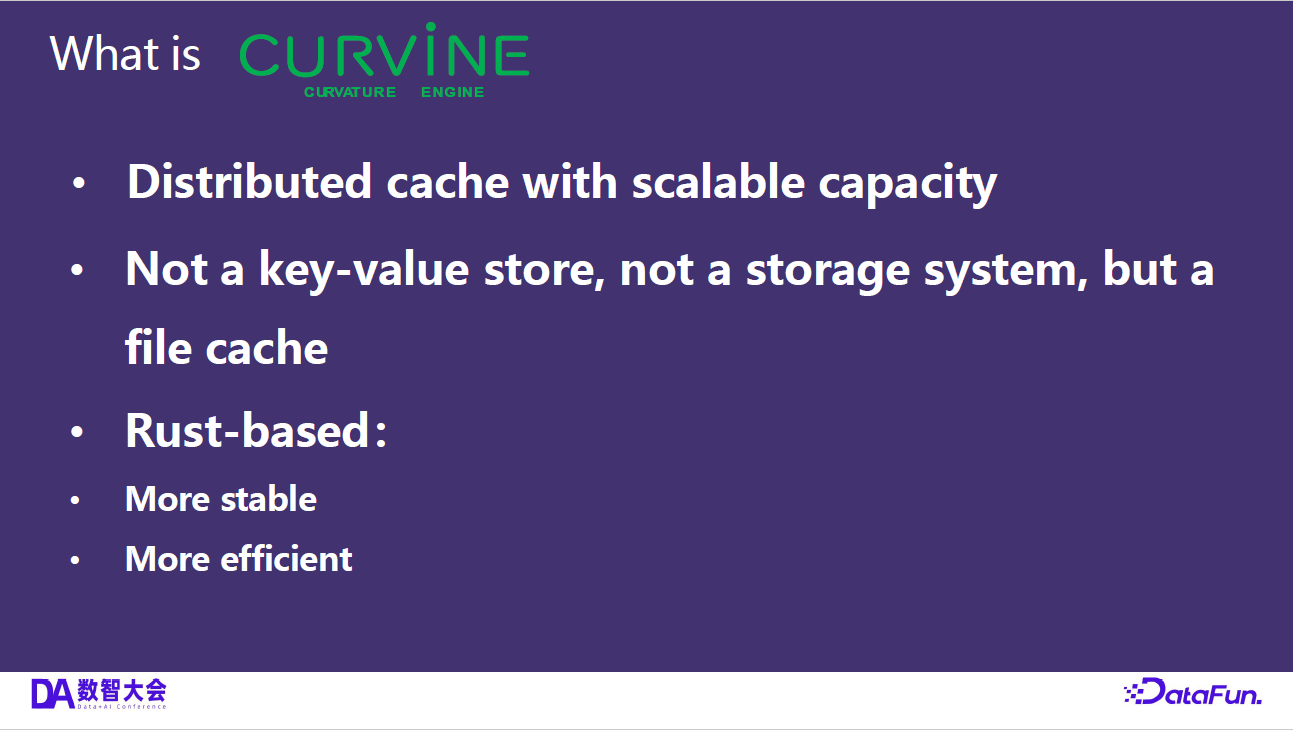
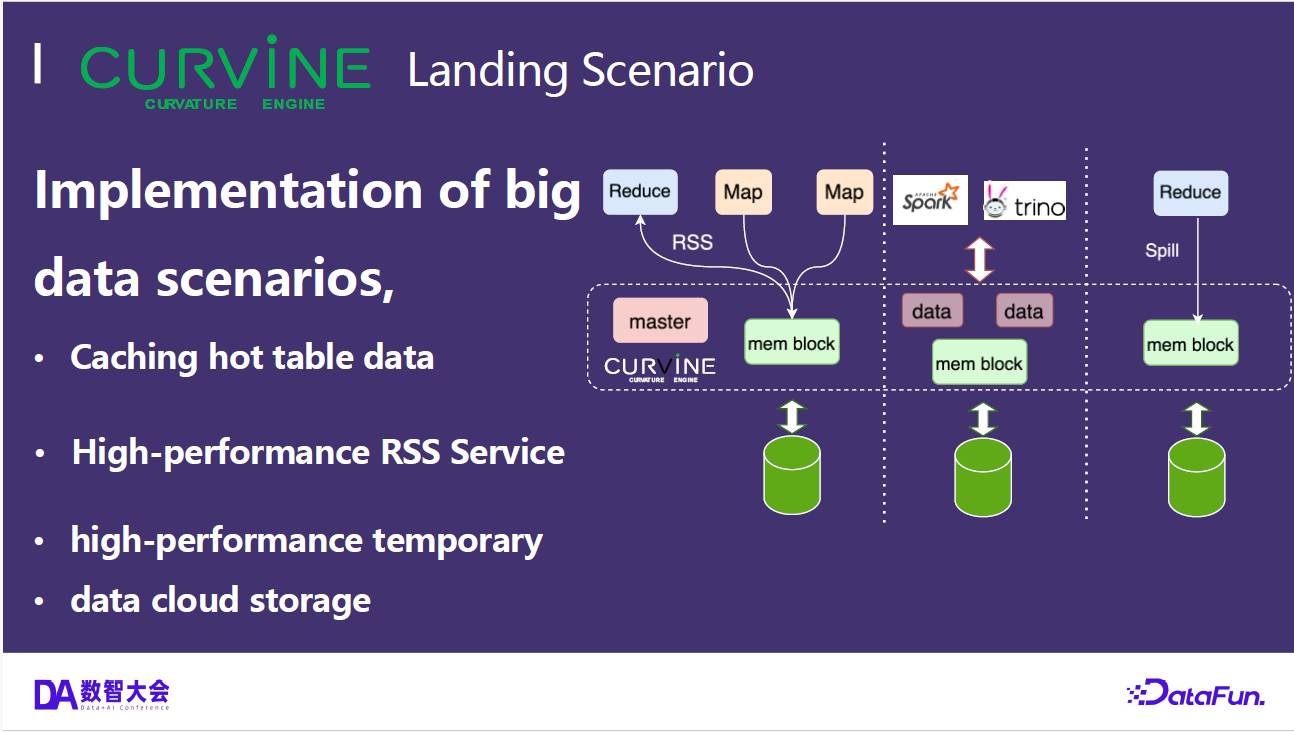
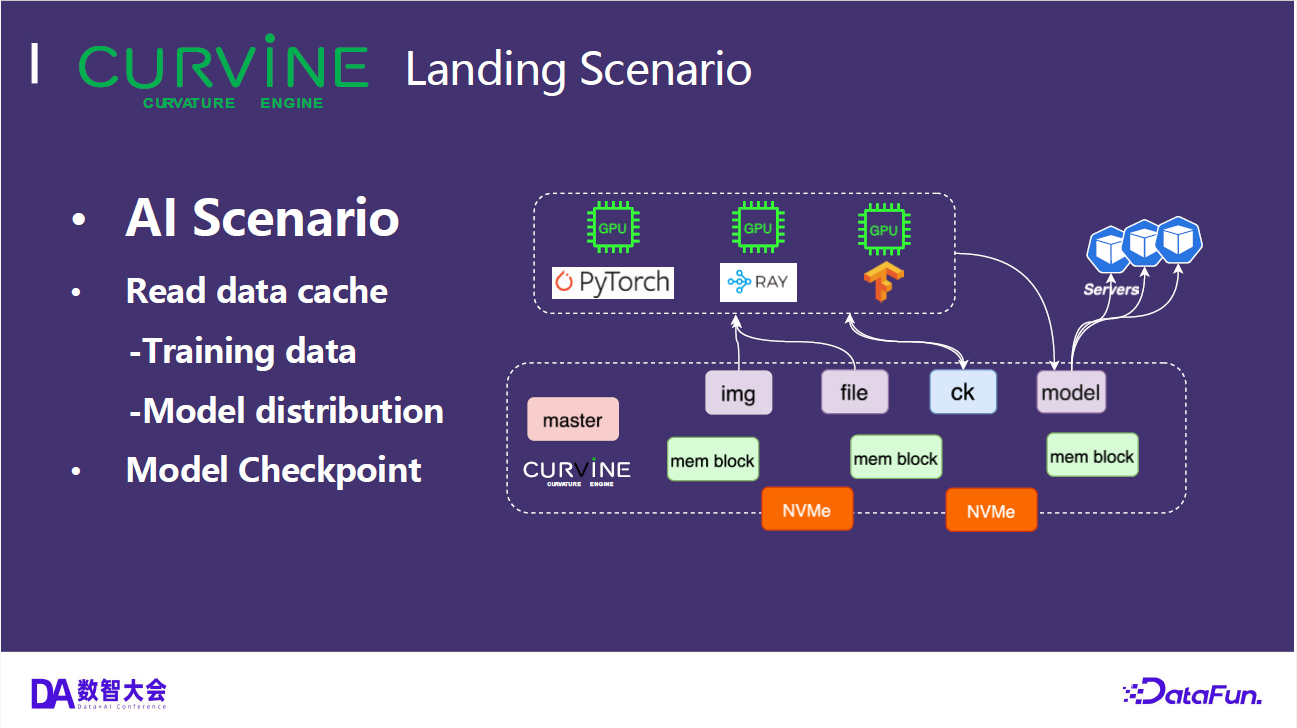
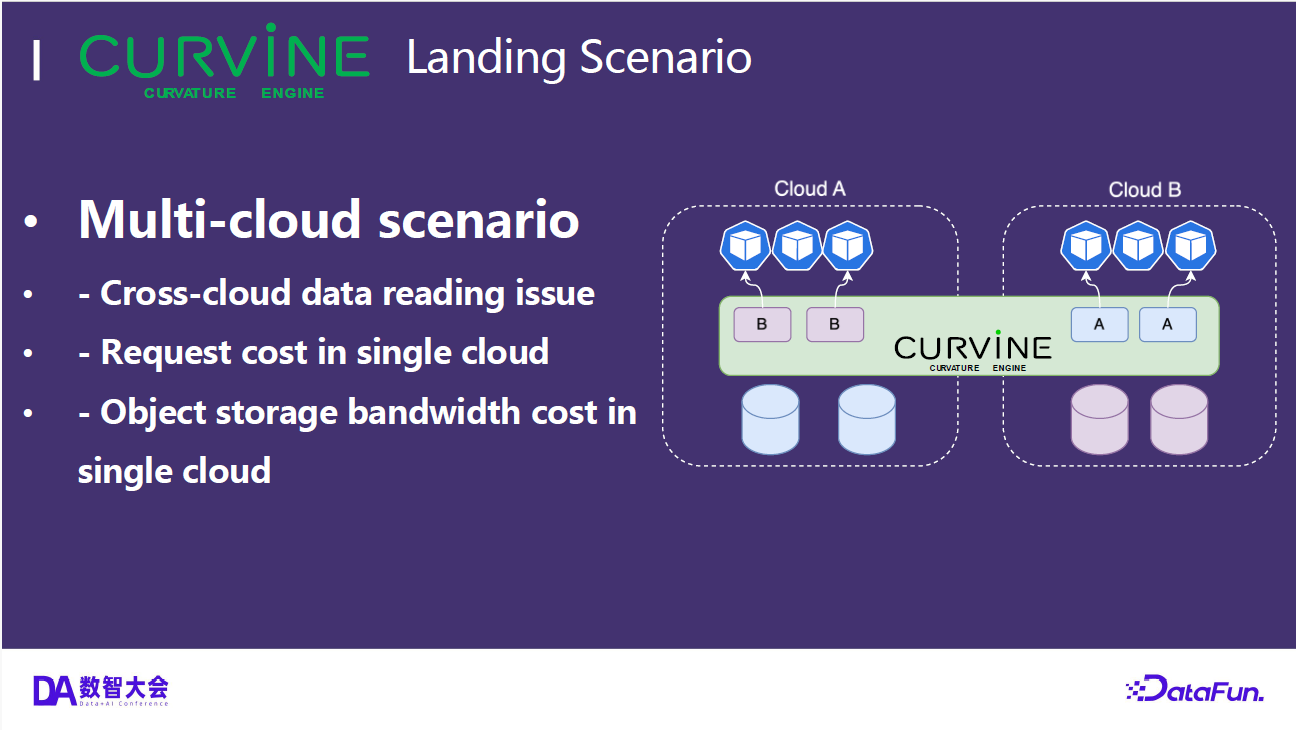
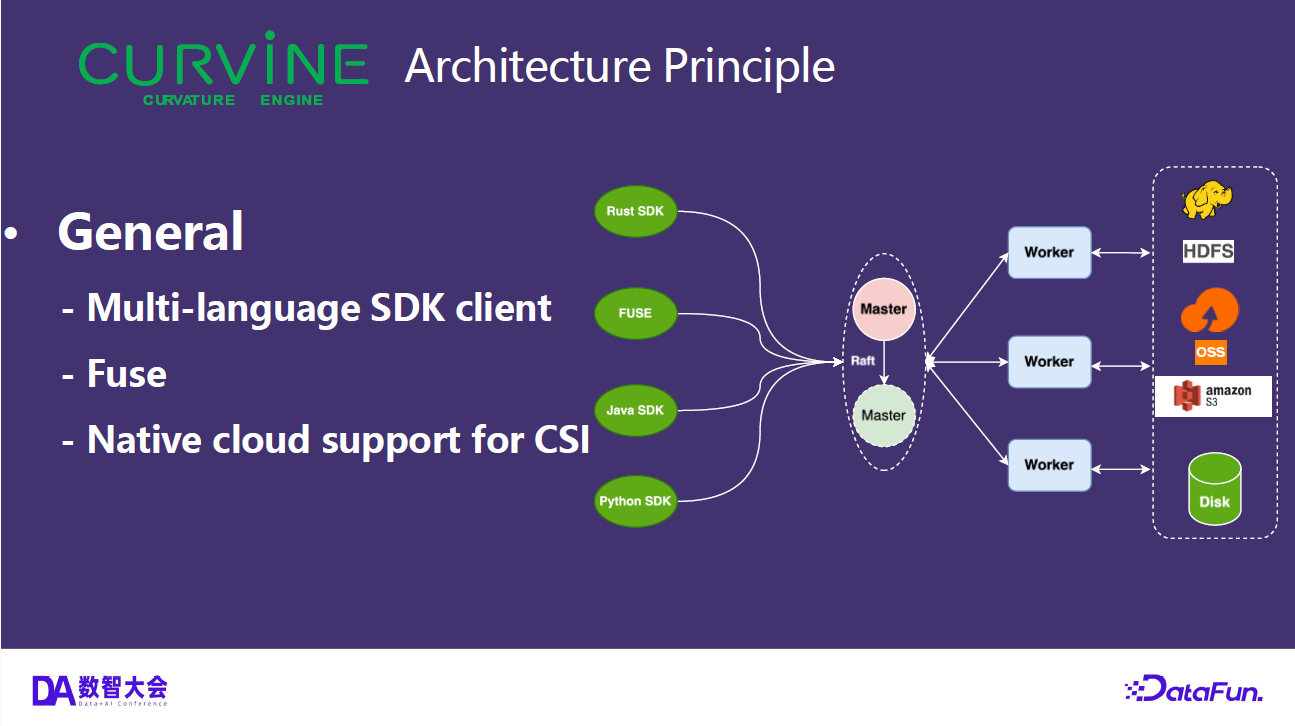
Curvine is an AI-Native and Cloud-Native distributed cache file system, written entirely in Rust. Born at OPPO and now a CNCF Landscape project, it layers full POSIX semantics over cloud object storage — delivering local-disk speed for AI training, inference, and big data workloads while keeping S3, OSS, GCS, Azure Blob, and HDFS as the durable backbone.

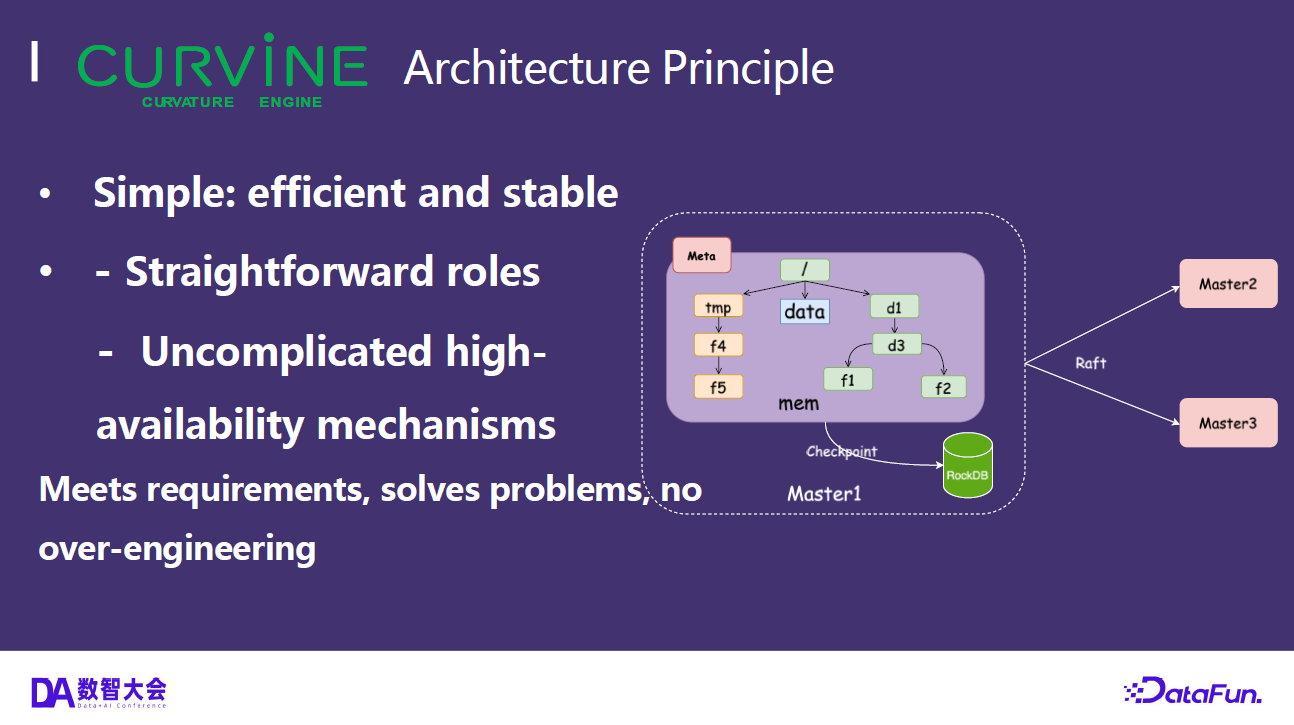
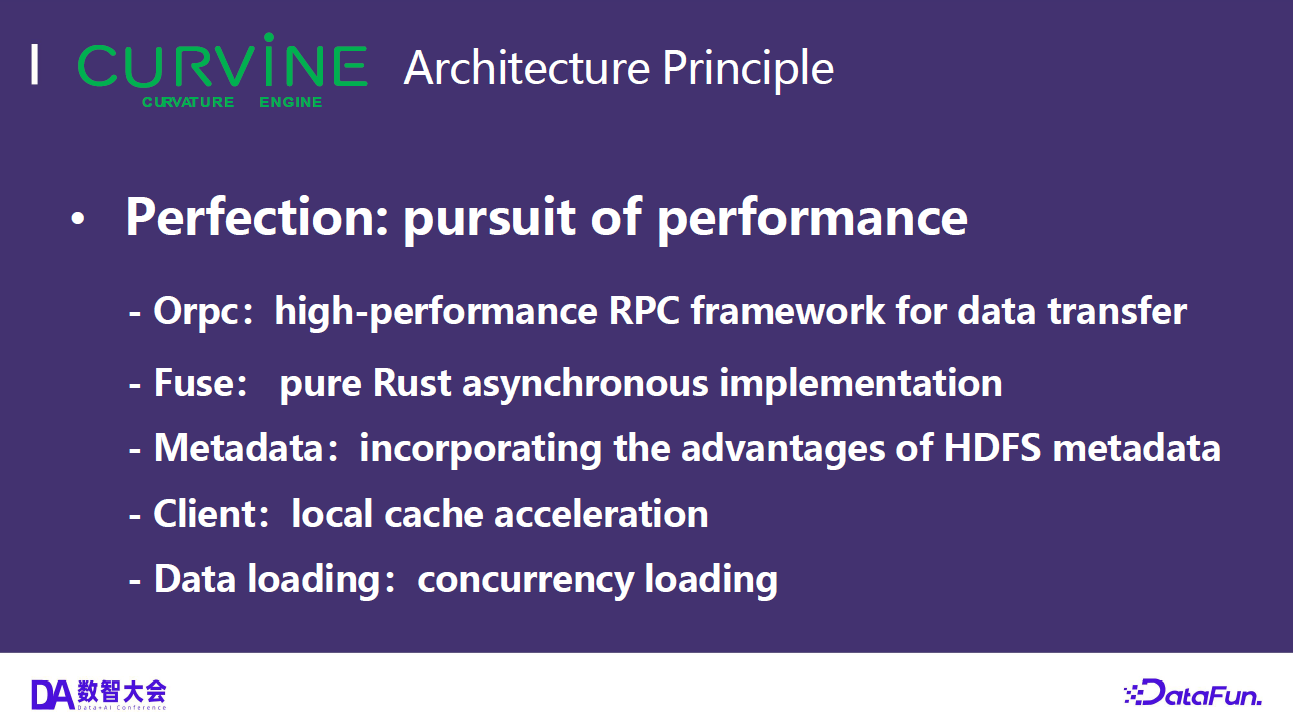
This post walks through Curvine's architecture at three levels: the overall system context, the container-level service breakdown, and the end-to-end data flow for read and write operations.
Building a Curvine Cluster from Scratch & FIO Testing

· 2 min read
Founder of Curvine

How to quickly get started and try out Curvine's performance? This article will introduce how to build a local small cluster from scratch, allowing everyone to get hands-on experience quickly.

GitHub: https://github.com/CurvineIO/curvine


1. Download the Code:​

git clone https://github.com/CurvineIO/curvine.git

2. Environment Requirements:​

GCC: version 10 or later 
Rust: version 1.86 or later
Protobuf: version 3.x
Maven: version 3.8 or later
LLVM: version 12 or later
FUSE: libfuse2 or libfuse3 development packages
JDK: version 1.8 or later
npm: version 9 or later
Python: version 3.7 or later

3. Compile & Run​

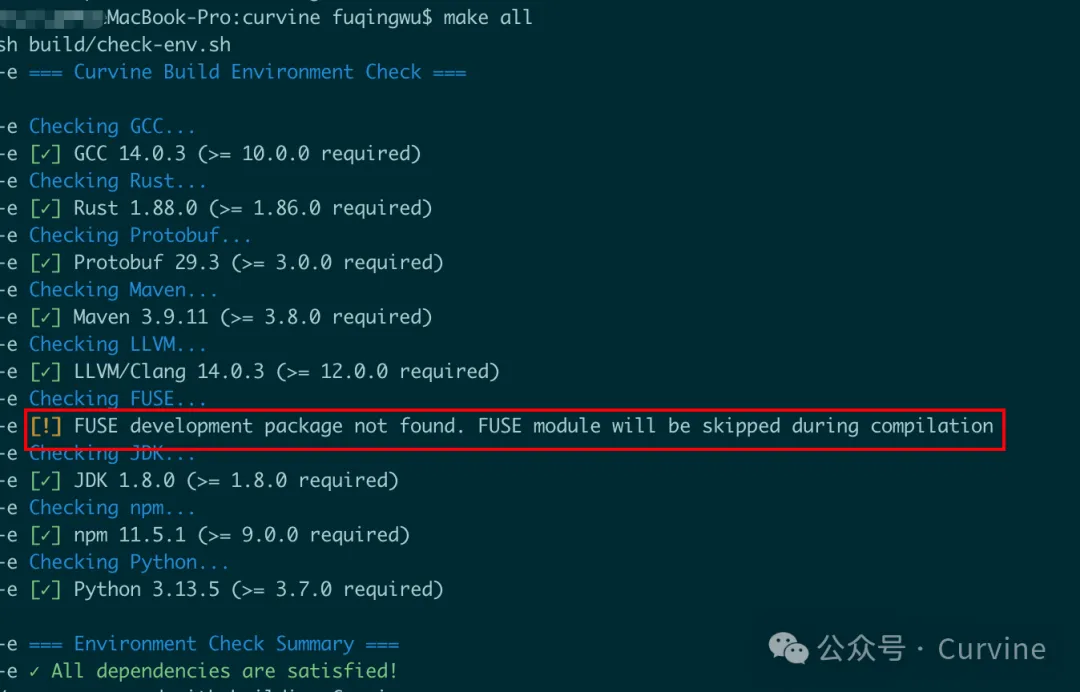
make all

To facilitate compilation, our build script will check dependencies in advance. For macOS users, we will temporarily skip FUSE compilation (currently not adapted for macOS). Interested users can consider using the macfuse project for adaptation.

make-checkenv

4. After Compilation, Start Local Cluster​

cd build/dist
./bin/restart-all.sh

After successful startup, execute the report command to check if it's working:


bin/cv report

active_master: localhost:8995
journal_nodes: 1,localhost:8996
capacity: 233.5GB
available: 105.0GB (44.99%)
fs_used: 0.0B (0.00%)
non_fs_used: 128.4GB
live_worker_num: 1
lost_worker_num: 0
inode_num: 0
block_num: 0
live_worker_list: 192.168.xxx.xxx:8997,105.0GB/233.5GB (44.99%)
lost_worker_list:

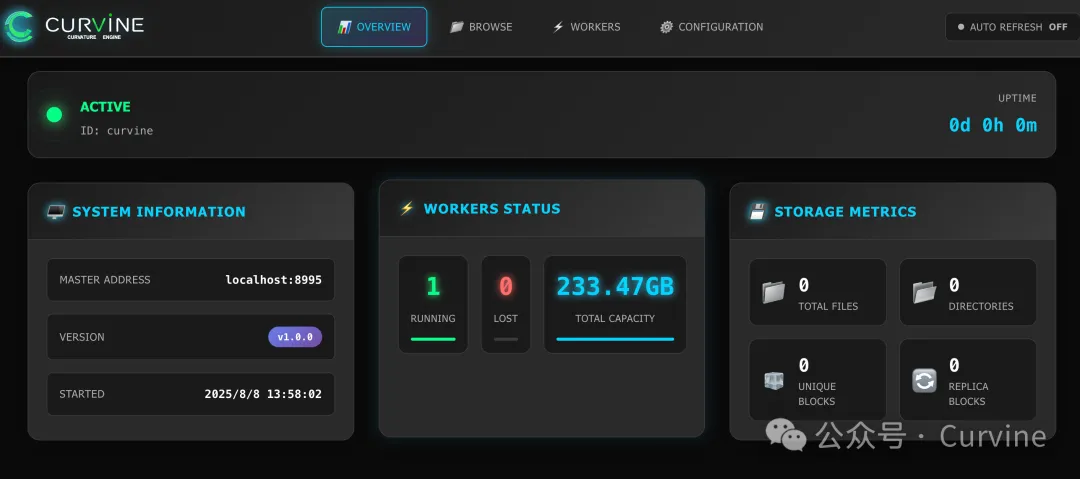
5. View Local Master and Worker WebUI​

http://localhost:9000/
http://localhost:9001/

webui

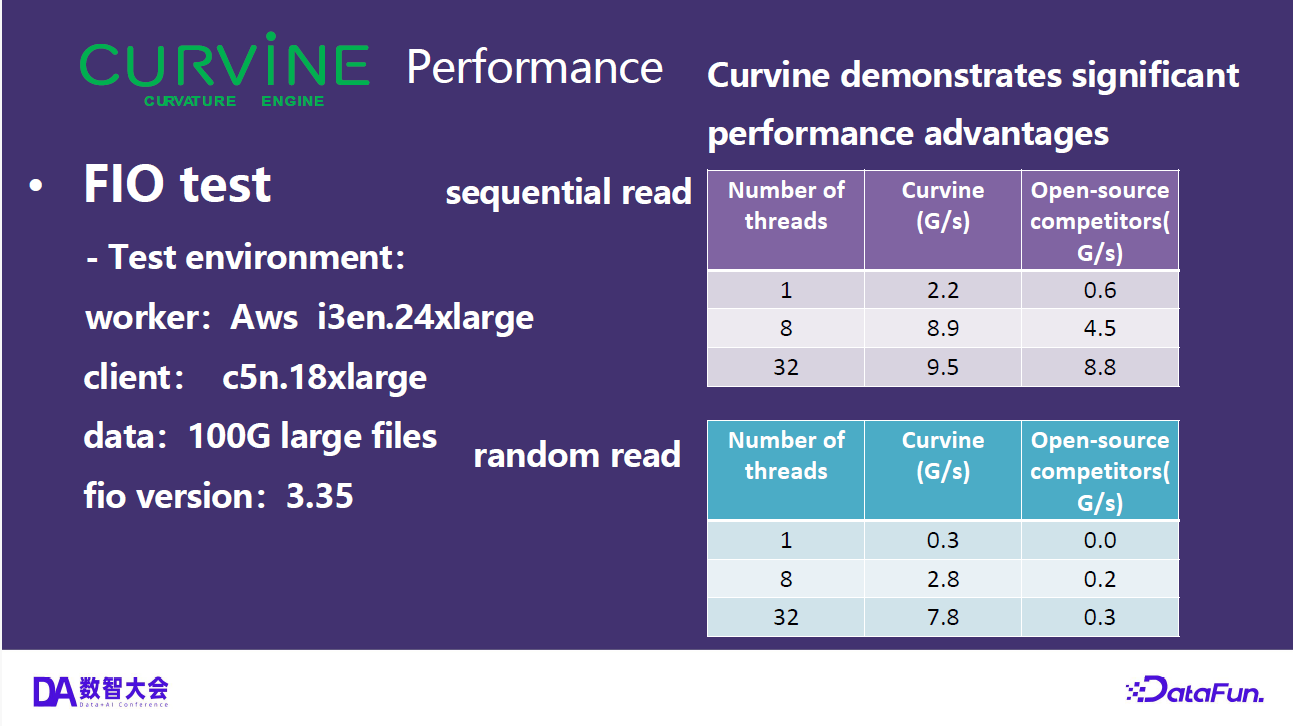
6. FIO Testing​

Test Environment: Alibaba Cloud ecs.r8a.8xlarge instance with one master/worker/client each

  • 32 cores (vCPU)
  • 256 GiB memory
  • System disk and data disk both: ESSD cloud disk 500 GiB (7800 IOPS)
  • Maximum bandwidth: 25Gb

Prepare data (on worker machine):

bin/curvine-bench.sh fuse.write

FIO Sequential Read Test, 8 Concurrent Jobs

fio -iodepth=1 -rw=read -ioengine=libaio -bs=256k
-group_reporting -size=200gb
-filename=/curvine-fuse/fs-bench/0
-name=read_test --readonly -direct=1 --runtime=60
-numjobs=8

FIO Random Read Test, 8 Concurrent Jobs


fio -iodepth=1 -rw=randread -ioengine=libaio -bs=256k
-group_reporting -size=200gb
-filename=/curvine-fuse/fs-bench/0
-name=read_test --readonly -direct=1 --runtime=60
-numjobs=8

Finally, here's a video demonstration of the FIO testing results: